




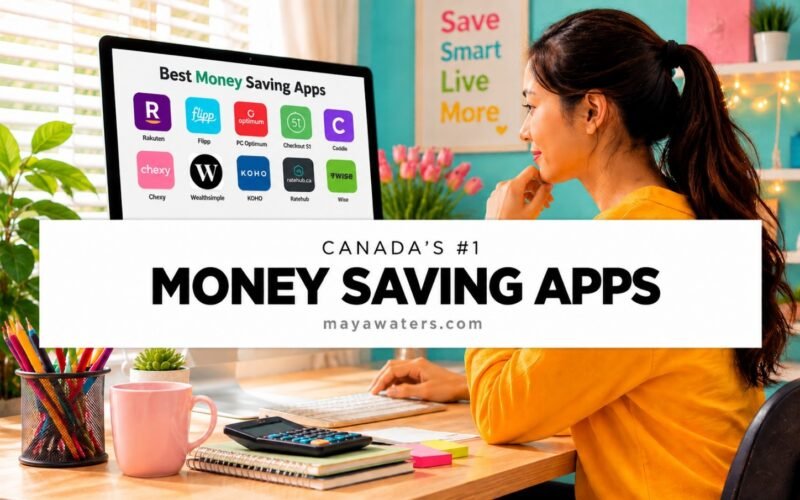
This post is all about the best money saving apps in Canada.
Because if you’ve ever walked out of the grocery store lately, looked at the receipt, and wondered whether you accidentally bought a small yacht along with your Mini Wheats, you’re not alone.
Everything seems more expensive these days. Like, everything!
Groceries. Gas. Rent. Insurance. That random trip to Walmart where you went in for toothpaste and came out spending $127.
The good news is that your phone can actually help you fight back.
There are several fantastic money saving apps that can help you earn cashback, collect rewards, find sales, build savings, and keep more money in your bank account without making huge lifestyle changes.
In this guide, I’ll show you the absolute best money saving apps that Canadians are using right now and how each one of these apps can help you save more and spend less.
TL; DR Best Money Saving Apps in Canada
The best money saving apps in Canada include:
- Rakuten Canada (Cashback Shopping)
- Flipp (Grocery Flyers & Deals)
- PC Optimum (Rewards Program)
- Checkout 51 (Cashback on Groceries)
- Caddle (Cashback & Rewards)
- Chexy (Rent Rewards)
- Wealthsimple (Investing & Saving)
- KOHO (Budgeting & Cashback)
- Ratehub (Compare Financial Products)
- Wise (International Money Transfers)
Whether you’re trying to save money on groceries, earn cashback, build your savings, or stretch your paycheck a little further, there’s an app on this list that can help.
What Are the Best Money Saving Apps?
The best money saving apps help you keep more of your money by finding discounts, earning rewards, reducing fees, or helping you make smarter financial decisions.
Some save you money at the grocery store.
Some pay you cashback for purchases you were already planning to make.
Others help you grow your savings automatically.
The trick is finding the apps that fit your lifestyle and using them consistently.
1. Rakuten
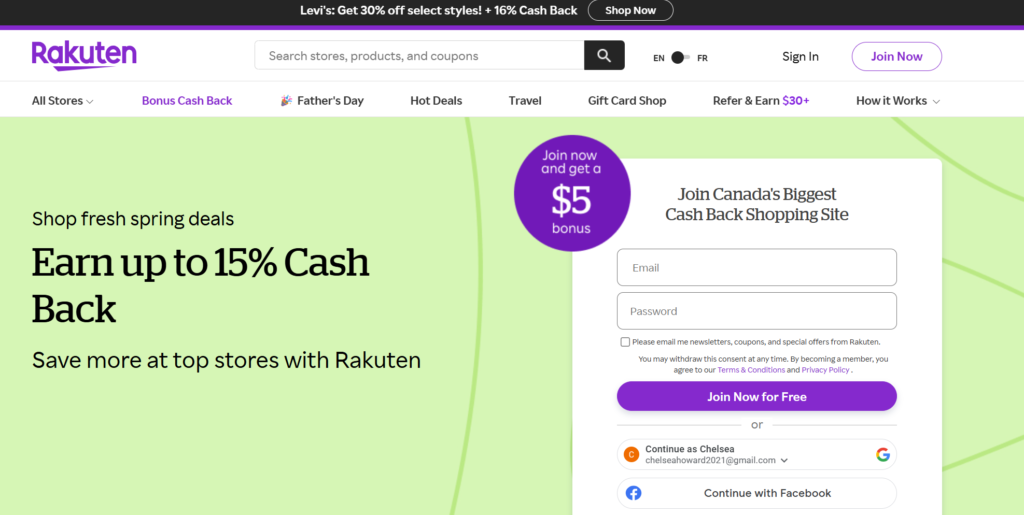
If you’re shopping online without Rakuten, you’re basically leaving free money on the table.
Rakuten gives you cashback when you shop through their platform before making a purchase. Hundreds of stores participate, including many popular retailers Canadians already use.
Let’s say you’re buying a new air fryer, birthday gift, or pair of shoes.
Instead of going directly to the retailer’s website, you click through Rakuten first and earn cashback on your purchase.
It’s one of the easiest ways to save money because it requires almost no extra effort.
Best For:
- Online shopping
- Holiday shopping
- Earning passive cashback
2. Flipp
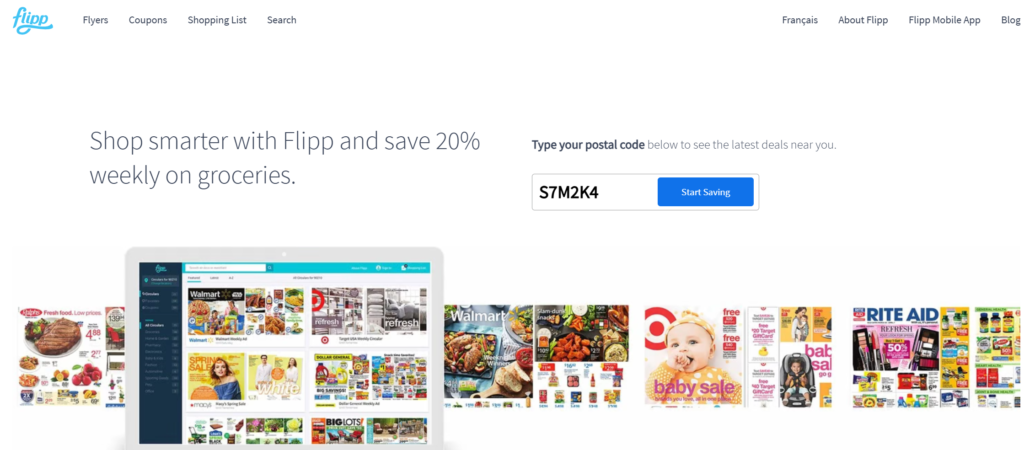
Flipp is one of my favorite grocery-saving apps because it helps answer one simple question:
“Where is this thing cheapest?”
Instead of flipping through paper flyers like it’s 1998, you can search for items directly inside the app.
Need chicken breasts? Search chicken breasts.
Need laundry detergent? Search laundry detergent.
Flipp will show you which stores have the best deals in your area. If you’re feeding a family, these savings add up fast.
Best For:
- Grocery savings
- Price matching
- Weekly meal planning
3. PC Optimum
And somehow, it gets even better.
Because PC doesn’t just offer the rewards program. They also offer the PC Money Account and the PC Financial Mastercard, which can help you earn even more points on purchases you were already making anyway.
Personally, I use the PC Money Account, and I absolutely love it.
Here’s why.
I don’t shop at Loblaw stores nearly as much as I used to. I don’t spend hours chasing every points offer. I don’t sit around planning elaborate points strategies like some kind of couponing mastermind.
- I just live my life.
- I buy my morning Starbucks.
- I get gas.
- I pay bills.
- I buy groceries.
- I order random things online that I probably don’t need.
……and every single time I use my PC Money Account, I earn points.
Without even trying, I average about $80 worth of PC Optimum points every month, to spend on anything I want too. That’s JUST with the PC Money Account alone! And this doesn’t even include the PC Mastercard or the points promos they run every week.
That’s over $500 a year in free groceries, free makeup, free household products, and free skincare from purchases I was already making anyway.
And that’s without maximizing offers.
Imagine what that number would look like if I actively shopped at No Frills, Superstore, and Shoppers Drug Mart every week and stacked all the bonus point offers too.
I don’t shop at No Frills or Superstore at all, but I do shop at Shoppers Drug Mart. So, holy cow, if you buy groceries at these Loblaws stores, you would probably earn way more than I do!
Honestly, the PC Money Account might be one of the easiest “set it and forget it” money-saving tool I have ever used – certainly the most profitable on this list!
Anyways the account has no monthly fees, it’s easy to set up, and you simply use it like you would any other bank account or debit card with unlimited features.
If you’re someone who loves collecting PC Optimum points, I highly, highly recommend opening one.
Now if you’re really serious about earning points, you may want to look into the PC Financial Mastercardas well, because it earns optimum points 2x faster than the PC Money Account on everyday spending.
To put that into perspective:
- PC Financial Mastercard = 10 points per dollar spent
- PC Money Account = 5 points per dollar spent
But here’s the part that just made my little points-loving heart skip a beat to say the least!
Let’s say you use your PC Financial Mastercard to buy your groceries, gas, Starbucks, Amazon purchases, and everything else throughout the month.
You’re earning points on all those purchases.
Then, when it’s time to pay off your credit card, you use your PC Money Account as your bank account to pay your PC Mastercard bill.
So now you’ve earned points on the purchase itself and you’re earning points from using your PC Money Account for your everyday banking.
When I started thinking about it that way, I literally had to stop and ask myself, “uhm, just a second here… why on earth do I not have a PC Financial Mastercard yet?!”
So, if you are someone who pays off their credit card in full every month and doesn’t carry a balance, pairing the PC Financial Mastercard with the PC Money Account is probably the smartest way to supercharge your PC Optimum points without changing your spending habits whatsoever.
- You’re still buying the same coffee.
- Still paying the same bills.
- Still filling up the same gas tank.
You’re just getting rewarded a whole lot more for doing it.
At the end of the day, both options are helping you earn rewards on purchases you were already going to make anyway.
And that’s my favorite kind of money-saving strategy.
- No extreme couponing.
- No digging through dumpsters for receipts.
- No eating ramen noodles for six months.
Just buying the things you normally buy and getting rewarded for it. That’s a game I’m happy to play.
Click the link below and check out the PC Money Account and PC Financial Mastercard. If you decide to sign up, be sure to use myreferral codeto score an awesome welcome bonus!
Right now, new members can earn up to 150,000 PC Optimum points with the PC Money Account and/or 50,000 PC Optimum points with the PC Financial Mastercard (subject to current promotion details).
Honestly, if you’re already buying groceries, gas, coffee, and paying bills every month, you might as well earn free points while you’re at it. That’s exactly what I do, and it’s one of my favorite money-saving hacks.
Be sure to enter Referral Code CF22874576 when you sign up and enjoy a very generous welcome bonus!
I’ve included the direct links below if you’d like to learn more about the PC Money Account or PC Financial Mastercard.
If you decide to sign up, I would be so grateful if you used my referral code. It’s completely free to use and you’ll get a pretty awesome welcome bonus.
Supporting my site through referral links helps me keep creating content like this, and I genuinely appreciate every single person who does.
Seriously.
If I could reach through this screen and give you a BEAR HUG I would 💛.
So, thank-you for supporting the site and helping me feed the stray cats around here!
PC Financial Mastercard – referral code CF22874576
PC Money Account – referral code CF22874576
4. Checkout 51
Checkout 51 is one of those apps that makes you wonder why more people aren’t using it.
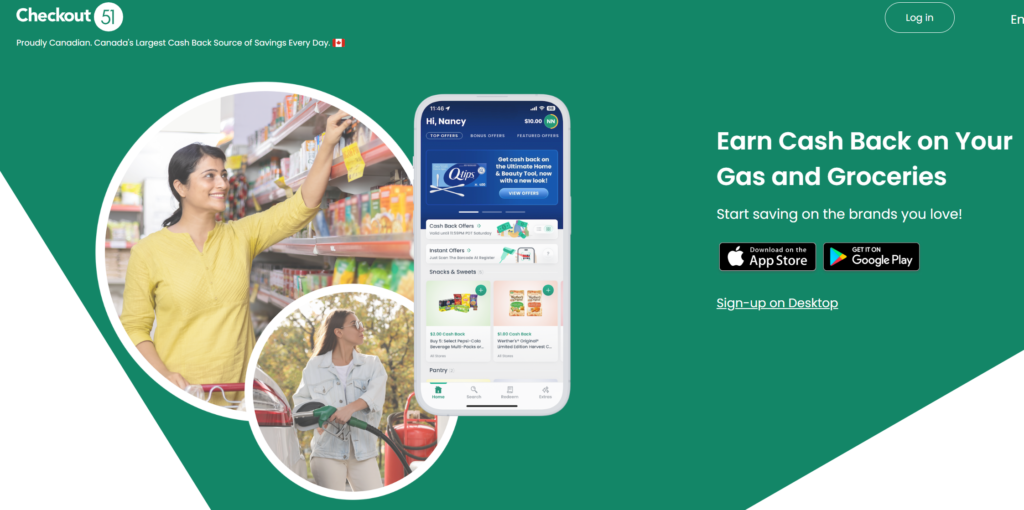
The concept is ridiculously simple. You buy certain products, upload a photo of your receipt, and get cashback.
That’s it.
The offers change regularly, so it’s worth taking a quick peek before you head out on your weekly grocery run. You might discover that something already on your shopping list qualifies for cashback.
The only catch? You actually need to keep your receipt.
Yeah yeah…. if you’re anything like me, that’s easier said than done. What can I say.
I mean, h alf the time cashiers don’t automatically hand you a receipt anymore, and by the time I remember I need it, I’m already loading groceries into the trunk and wondering where my coffee went.
Still, it’s worth the extra effort.
My philosophy is simple: if you’re buying the groceries anyway, why not get a little free money back? It takes less than a minute to upload your receipt, and those small cashback amounts can add up surprisingly fast over time.
Best For:
- Grocery cashback
- Household products
- Easy savings
5. Caddle
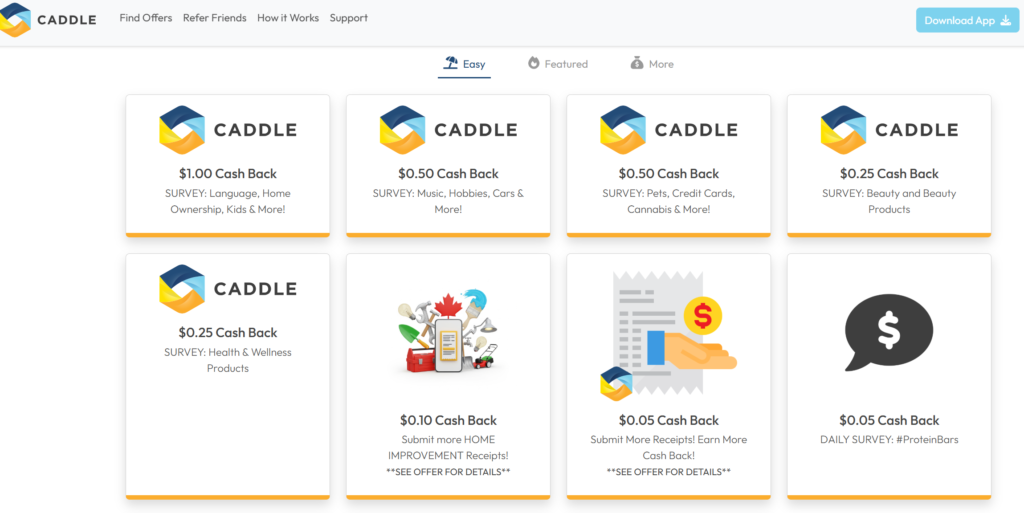
Caddle works similarly to Checkout 51.
You earn cashback by purchasing specific products and submitting your receipt.
The app also offers surveys and additional cashback opportunities. Think of it as stacking your savings.
- Use Flipp to find the sale.
- Use PC Optimum to earn points.
- Use Caddle to get cashback.
Now you’re playing offense!
Best For:
- Cashback stacking
- Grocery savings
- Household shopping
6. Chexy
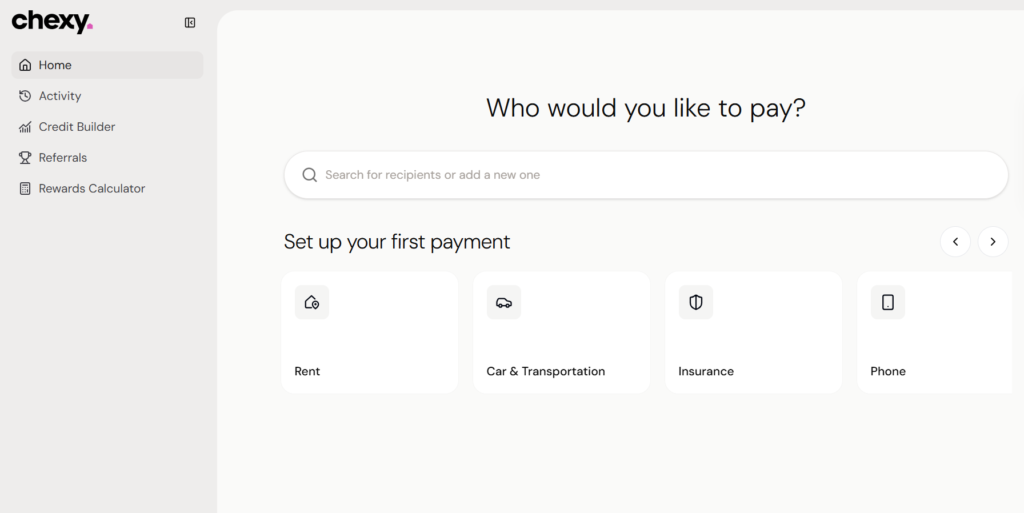
If you’re a renter, Chexy is worth looking into.
Most people pay rent every month and get absolutely nothing in return.
Chexy helps renters earn rewards on rent payments and can even help build credit history.
Considering rent is often the largest monthly expense for many Canadians, finding a way to get additional value from those payments can make a lot of sense.
Best For:
- Renters
- Credit building
- Credit card rewards
7. Wealthsimple
Saving money is great.
Growing money is even better. That’s where Wealthsimple comes in.
If investing sounds intimidating, these guys make it a lot easier for beginners like us.
What I really like about Wealthsimple is that you can automate deposits, invest through your TFSA or RRSP, and gradually build wealth without needing to become a stock market expert.
It’s one of the most beginner-friendly investing apps available in Canada. It’s what *I* started out with and trust me I was the beginner of all beginners, so if I thought it was easy you will too.
If you’re not sure whether you should be using a TFSA, RRSP, or FHSA, check out my guide to the best investment accounts to open.
It helps make investing feel way less overwhelming.
Best For:
- Beginner investors
- Long-term wealth building
- Automated investing
One thing I have learned over the years is that building wealth doesn’t just happen overnight. Most people move through different stages of wealth as they improve their finances, pay off debt, start investing, and grow their savings over time.
Saving money is important, but eventually there comes a point where you want your money to start working for you too.

8. KOHO
KOHO combines budgeting, cashback, and spending tracking into one app.
It’s especially useful if you struggle with budgeting because it helps you see where your money is actually going.
And let’s be honest. Most of us have looked at our bank statement and wondered who spent all that money.
Spoiler alert. It was us.
Best For:
- Budgeting
- Cashback rewards
- Spending awareness
9. Ratehub
Making the wrong financial decision can cost thousands of dollars.
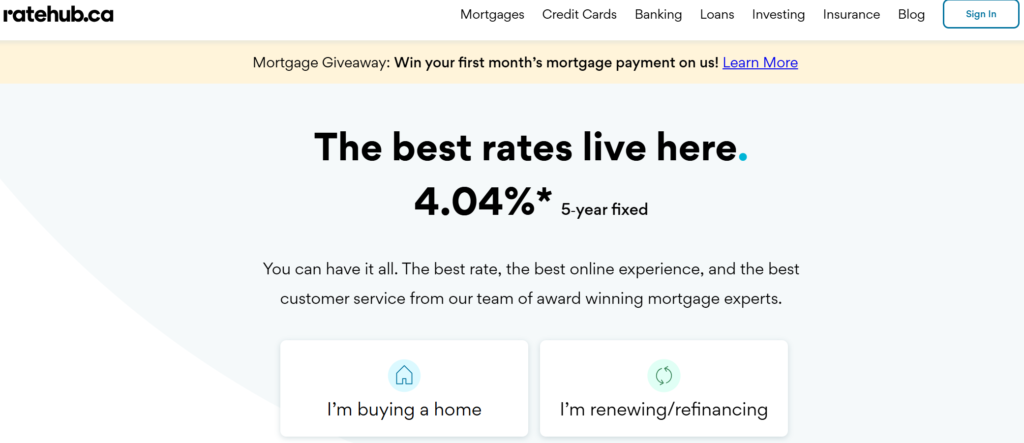
Ratehub helps you compare things like:
- Credit cards
- Mortgages
- Insurance
- Banking products
Instead of spending hours researching, you can compare options side-by-side and find products that fit your needs.
Best For:
- Comparing financial products
- Mortgage research
- Insurance shopping
10. Wise
If you send money internationally, Wise can save you a surprising amount in fees.
Traditional banks often charge high transfer fees and less-than-great exchange rates.
Wise uses transparent pricing and competitive exchange rates, making it a popular choice for Canadians who transfer money abroad.
Best For:
- International money transfers
- Newcomers to Canada
- Remote workers
The Bottom Line
The best money saving apps won’t make you rich overnight. But they can help you keep more of the money you’re already earning.
Start small. Download one or two apps that match your spending habits and build from there.
Even saving an extra $25 to $50 per month adds up to hundreds of dollars over a year. And unlike giving up coffee forever, this approach doesn’t make life miserable.
Best Money Saving Apps FAQ
What is the best money saving app in Canada?
Rakuten, Flipp, and PC Optimum are among the most popular money saving apps because they help Canadians save on purchases they’re already making.
What app helps save money on groceries?
Flipp, Checkout 51, Caddle, and PC Optimum are excellent grocery savings apps.
Are money saving apps worth it?
Yes. Most are free to use and can help you earn cashback, rewards, points, or discounts with very little effort.
What is the best cashback app in Canada?
Rakuten is one of the most popular cashback apps for online shopping, while Checkout 51 and Caddle focus more on grocery purchases.
What is the best budgeting app in Canada?
KOHO and Wealthsimple are both popular options for Canadians looking to improve their finances and build better money habits.
How can I save more money every month?
Using cashback apps, comparing prices before shopping, earning rewards on everyday purchases, and automating savings are some of the easiest ways to save more money consistently.
